

Best time to post on YouTube in 2026: long videos, Shorts and what YouTube says
Sunday morning for long videos, Friday evening for Shorts, and what YouTube says about upload time. The data day by day, and how to schedule for your viewers.
6 minute read By SocialHelper team
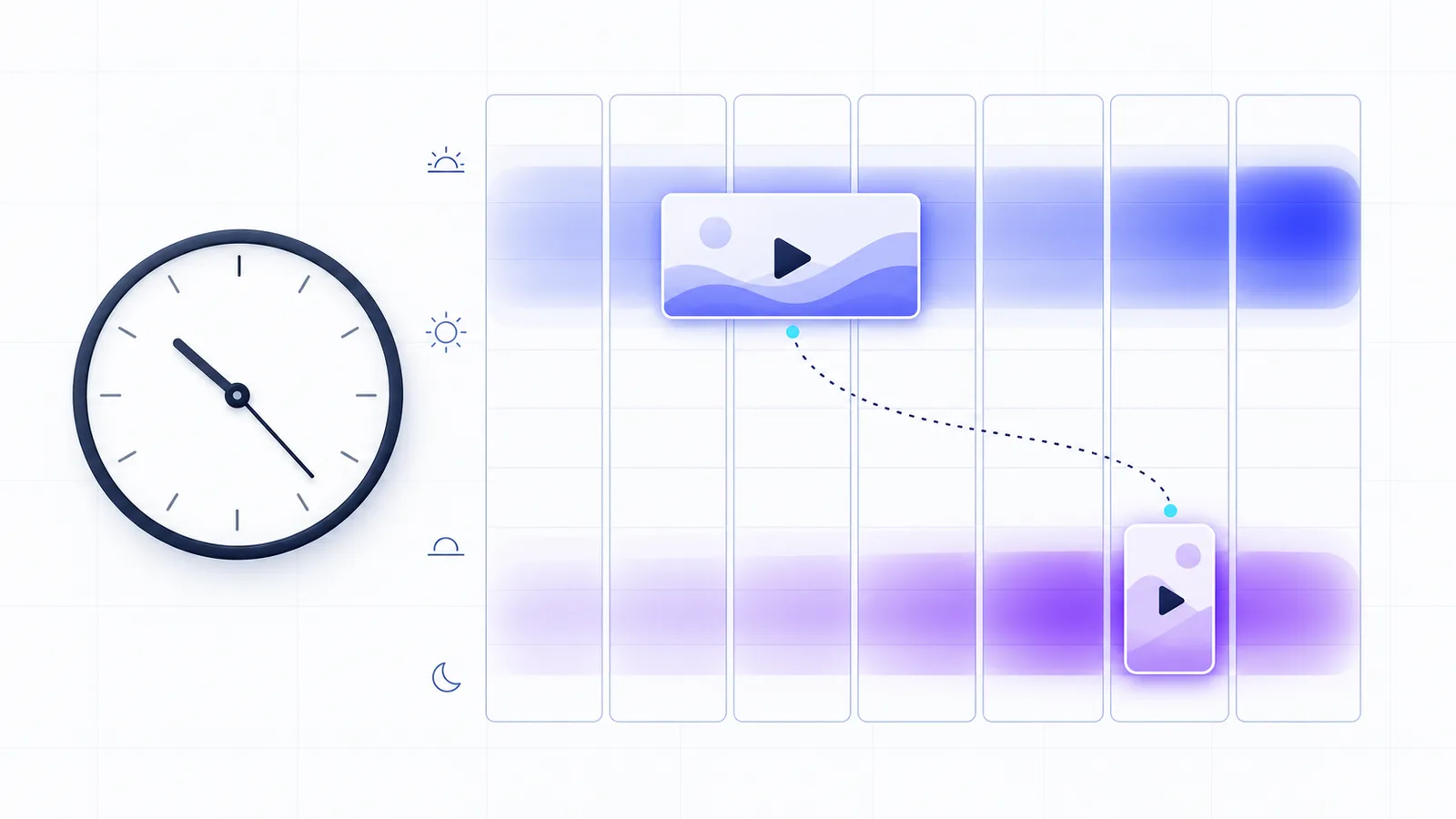
There’s no single best time to post on YouTube, and YouTube itself says publish time “is not known to impact a video’s long-term performance”. It does affect the first hours. For those, Buffer’s analysis of 1.8 million videos finds long videos and Shorts almost opposite: Sunday at 10 am is the best slot for long videos, and Friday at 4 pm for Shorts. Metricool’s study of 799,718 videos points to 10 am to 4 pm for long videos and 2 to 6 pm for Shorts.
Your own viewers’ hours, which YouTube Studio shows you, beat both. And because YouTube can publish a video at a set time, you can upload it whenever you like and still hit the slot.
What the studies found
| Study | Long videos | Shorts |
|---|---|---|
| Buffer, 1.8 million videos | Sunday 10 am; mornings from 8 to 11 am | Friday 4 pm; evenings from 6 to 11 pm |
| Metricool, 799,718 videos | 10 am to 4 pm | 2 to 6 pm |
Sources: Buffer (published July 2026) and Metricool (July 2026, from 71,177 channels), checked October 17, 2026. Neither states the period its videos come from. Sprout Social’s 2026 study covers six other networks, and its YouTube page now redirects to that study. We found no YouTube times from Hootsuite either.
Best time to post on YouTube, day by day
| Day | Long videos | Shorts |
|---|---|---|
| Monday | 9 am (10 pm, 7 am) | 8 pm (5 pm, 6 pm) |
| Tuesday | 9 am (11 am, 8 am) | 8 pm (9 pm, 7 pm) |
| Wednesday | 7 am (3 pm, 5 pm) | 7 pm (8 pm, 9 pm) |
| Thursday | 5 pm (6 pm, 7 am) | 7 pm (8 pm, 9 pm) |
| Friday | 12 pm (11 am, 3 pm) | 4 pm (6 pm, 7 pm) |
| Saturday | 12 pm (10 am, 3 pm) | 7 pm (11 am, 6 pm) |
| Sunday | 10 am (9 am, 12 pm) | 7 pm (8 pm, 5 pm) |
Times are Buffer’s, with its two runners-up for each day in brackets. Metricool gives windows rather than daily times. For long videos, Buffer ranks Sunday, Tuesday and Monday as the best days and Wednesday and Thursday as the weakest. For Shorts, its best days are Friday, Saturday and Thursday, and its weakest are Tuesday and Monday.
Why long videos and Shorts differ
Buffer splits them because the two formats travel differently. Long videos depend on early engagement, such as clicks, watch time and likes, while Shorts, in Buffer’s words, “are continuously resurfaced by YouTube’s recommendation engine over days or even weeks”. Buffer ranks each hour by the median engagement of the videos posted then. A median is the middle value of a set, so a single viral upload barely moves it. Metricool reports the hours with the most activity, which is a different measure.
The patterns also move. Buffer’s previous YouTube data pointed to weekday late afternoons, from 3 to 5 pm, and ranked midweek above weekends. Its 2026 data reversed that, with Sunday mornings on top.
Does posting time matter on YouTube?
Mostly for the first hours. “Publish time is not known to impact a video’s long-term performance,” YouTube’s help center says. It adds that publishing when your audience is most active “can be beneficial for early viewership”, and that publish time matters for live streams and Premieres (YouTube Help: YouTube performance FAQ).
The reason is how recommendations work. YouTube says its system “doesn’t promote videos to your audience but rather finds videos for your audience when they visit YouTube”, ranking them by performance and relevance. It aims to deliver the right videos to the right viewers “regardless of when that video was uploaded”.
How to find your own best time
- Open the audience report. In YouTube Studio, select Analytics, then Audience. The “When your viewers are on YouTube” report “shows you when your viewers are online across YouTube in the last 28 days” (YouTube Help: Understand your YouTube audience).
- Publish a little before the peak. Buffer suggests going live one to two hours before your audience’s busiest window for long videos, so the video is ready to be recommended as viewers arrive.
- Treat Shorts separately. Test Shorts in the evening and long videos in the morning, then compare each format against its own results.
- Compare views per video. With your channel connected to SocialHelper, an AI assistant can list your recent uploads with their publish times and view, like and comment counts, and pull watch time for each video. YouTube’s analytics can lag about two days, so judge a video after that.
- Test again every few months. Buffer’s own peak moved from weekday afternoons to Sunday mornings between two analyses.
Time zones
Buffer says its recommended times apply in your audience’s local time, and Metricool doesn’t say which time zone its windows use. YouTube’s own report covers your actual viewers, so it already reflects where they are. If most of your viewers are in one country, use its time zone when you plan.
Say your viewers are mostly in London and you upload from Toronto. Buffer’s Sunday 10 am slot is then 5 am for you for most of the year, and a scheduled publish time means you don’t have to be awake for it. SocialHelper shows scheduled posts in your own time zone, so convert once when you set your slots.
Schedule your YouTube videos for those times
Scheduled publishing is uploading a video as private with a publish time, at which YouTube makes it public. YouTube’s API only accepts a publish time on a private video that has never been published (YouTube Data API: Videos). In SocialHelper, the composer’s YouTube settings include a Publish At field, and the same option works from the API or an AI assistant. The video uploads right away and stays private until that time, so a large file can’t make you miss the slot.
You can also let SocialHelper send the video at the time instead. Posting times are the weekly slots SocialHelper’s queue fills, such as Sunday at 10 am for long videos and Friday at 4 pm for Shorts, and you set them under Calendar, then Posting times. The scheduling help page has the steps, and a single post can be scheduled up to 1 year ahead.
A YouTube description can hold 5,000 bytes, and the YouTube character counter counts one the way YouTube does. For upload limits by platform, see how long a video can be. Our guides to the best time to post on Instagram, TikTok, Facebook and LinkedIn compare the studies for each network.
Frequently asked questions
What is the best time to post on YouTube?
For long videos, Buffer’s best slot is Sunday at 10 am, with weekday mornings from 8 to 11 am also strong, and Metricool points to 10 am to 4 pm. YouTube itself says publish time isn’t known to affect long-term performance, so use these as a starting point and check your own audience report.
What is the best time to post YouTube Shorts?
Friday at 4 pm in Buffer’s data, followed by Friday at 6 pm and 7 pm, with evenings from 6 to 11 pm strong across the week. Metricool’s data favours 2 to 6 pm. Buffer notes that Shorts keep being resurfaced for days or weeks, so the hour matters less than for long videos.
What is the best day to post on YouTube?
Sunday for long videos in Buffer’s data, followed by Tuesday and Monday. For Shorts, Buffer’s best day is Friday, followed by Saturday and Thursday.
Does the time you upload to YouTube matter?
Only for the start. YouTube says publishing while your audience is active can help early viewership but isn’t known to affect a video’s long-term viewership. Timing matters most for Premieres and live streams, where viewers have to be there at the start.
Should you post on YouTube every day?
You don’t need to. YouTube says it has found that growth in views “is not correlated with time between uploads”, and that a break isn’t linked to a drop in views. Post as often as you can keep the quality up.
How we checked this
We analyzed both studies’ published findings, sample sizes and methods on October 17, 2026, and found no YouTube times from Sprout Social or Hootsuite. We ran a fact check of every time in both tables against Buffer’s page that day. YouTube’s help center and API reference are the sources for timing, the audience report and scheduled publishing, and SocialHelper’s code for the Publish At option and the YouTube tools.
If a study has been updated since, contact us and we’ll correct the tables.


