

Pinterest API: how to create Pins from code in 2026
Create Pins with the Pinterest API v5: Trial vs Standard access, OAuth tokens, the create Pin request and its limits, video Pins, rate limits and the rules.
10 minute read By SocialHelper team
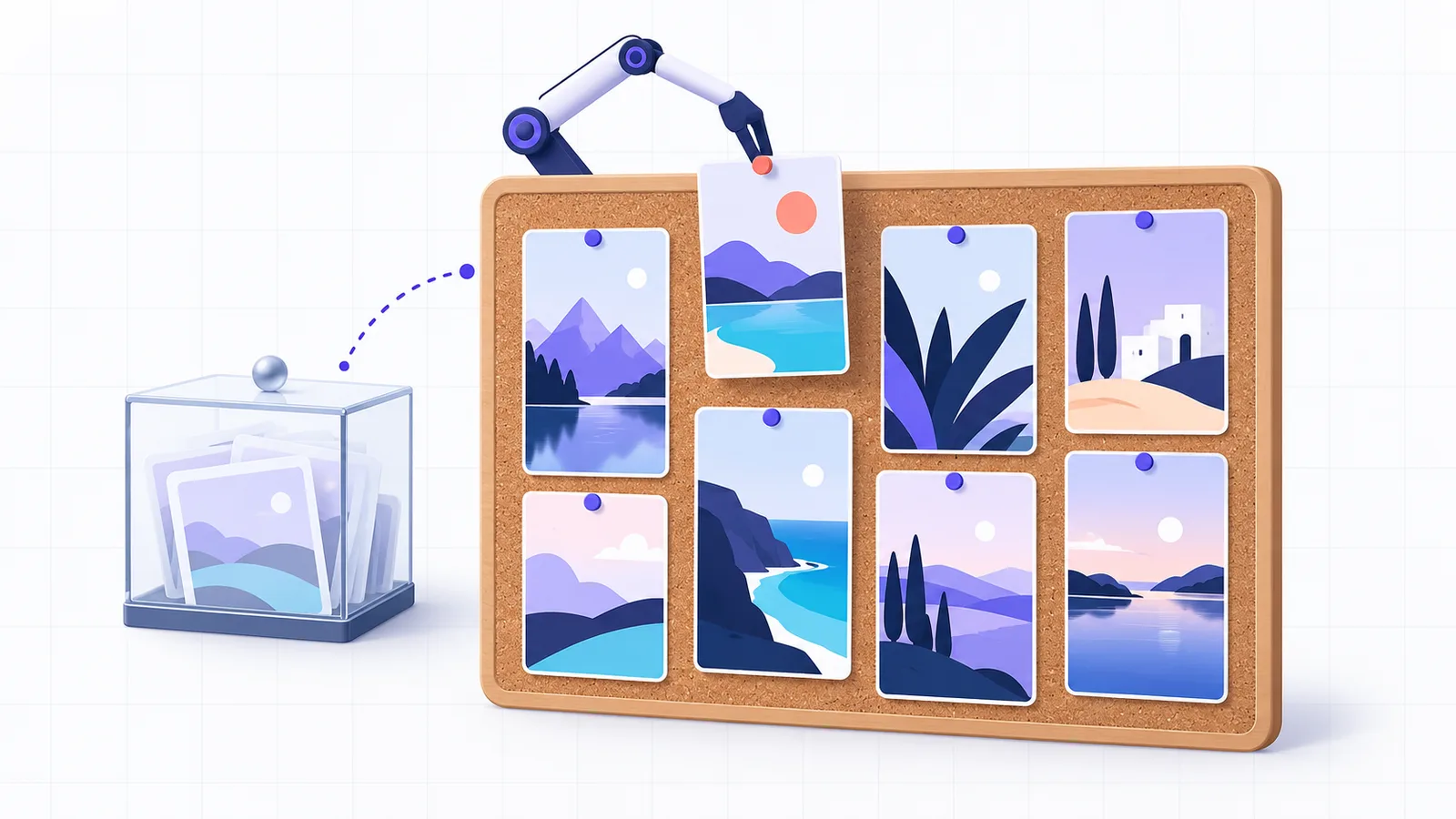
The Pinterest API creates a Pin with one request, POST /v5/pins. You send a board ID, an image or a video, and an optional title, description, link and alt text. First you need a Pinterest business account and an app approved for Trial access. Then you need an OAuth token with the boards and Pins scopes. Pins made with Trial access are visible only to you. Public Pins need Standard access, and Pinterest asks for a video of your app before it grants it.
Every limit below comes from Pinterest’s developer docs or its OpenAPI spec, checked on October 17, 2026. The worked example is the code SocialHelper uses to create Pins.
What you need before the first Pin
- A business account. Log in to the developer site with a Pinterest business account and verify its email address. Then accept the Developer Terms of Service under My apps (Pinterest: Connect your app).
- An app with Trial access. Select Connect app, fill in the form and submit it. Pinterest says “Application requests are reviewed each business day.” Once approved, your app ID and app secret are on the My apps page.
- A redirect URI. Add it on the app’s Configure tab. It must match the one your code sends exactly.
- Four scopes. Creating Pins needs
boards:read,boards:write,pins:readandpins:write.
Trial access is the level every approved app starts with, and Pinterest calls it “best for exploring our API features”. Standard access is the level for apps that serve real users. To upgrade, you send a video of your app completing an action through the API. Pinterest wants one even for a personal tool. “If you are the only intended user of the Pinterest API, we will still require a video recording of the OAuth flow” (Pinterest: Access tiers).
| Trial access | Standard access | |
|---|---|---|
| Pins and boards you create | Visible only to you, in Sandbox | Public |
| All requests | 1,000 a day per app | 100 a second per user |
| Creating Pins and boards | 300 a day per app | 100 a minute per user |
| How you get it | Apply with Connect app | Upgrade with a demo video |
Pinterest API keys and access tokens
Pinterest has no API key. Your app has an app ID and an app secret. Every API call also carries an access token, a string starting with pina that acts for one Pinterest user. You get one through OAuth in three steps (Pinterest: Set up authentication and authorization).
- Send the user to Pinterest. Link to
https://www.pinterest.com/oauth/with yourclient_id,redirect_uri,response_type=code, the scopes and astatevalue. - Receive the code. Pinterest sends the user back to your redirect URI with
codeand the samestate. - Swap it for a token. Post the code to
/v5/oauth/tokenwithgrant_type=authorization_code, signing the request with your app ID and secret as HTTP Basic auth.
The access token lasts 30 days. The refresh token lasts 60 days. Each refresh returns a new one, so a connection you keep using never needs approving again. Pinterest calls this a “continuous refresh token (60-day expiration, refreshable indefinitely)”. It’s the only kind for apps created on or after September 25, 2025. A token can also die early. Pinterest names a changed username or password as common causes, and the next call returns HTTP 401 with error code 2.
Two shortcuts help while you build. The Client Credentials grant gives a token for the app owner’s own account with no redirect, and it requires two-factor authentication. Test tokens, which you can generate once your app has Trial access, skip OAuth too and “expire after 24 hours”.
Create a Pin with one request
First, find the board. List the user’s boards and copy the id of the one you want.
curl "https://api.pinterest.com/v5/boards?page_size=25" \
  -H "Authorization: Bearer $PINTEREST_TOKEN"
Then create the Pin, with the image given by its public URL.
curl -X POST https://api.pinterest.com/v5/pins \
  -H "Authorization: Bearer $PINTEREST_TOKEN" \
  -H "Content-Type: application/json" \
  -d '{"board_id": "549755885175",
       "title": "Cinnamon rolls from scratch",
       "description": "Soft and sticky. The dough, the swirl and the glaze.",
       "link": "https://example.com/cinnamon-rolls",
       "alt_text": "A tray of glazed cinnamon rolls",
       "media_source": {"source_type": "image_url",
                        "url": "https://example.com/rolls.jpg"}}'
It returns the new Pin. Its id gives the Pin’s address, https://www.pinterest.com/pin/{id}/. With Trial access, send the same request to api-sandbox.pinterest.com with a Sandbox token, and the Pin appears only on your own profile.
These limits come from the create Pin schema in Pinterest’s OpenAPI spec, version 5.28.0 (pinterest/api-description on GitHub).
| Field | Limit | Notes |
|---|---|---|
board_id | Digits only | Required in practice: a Pin lives on a board |
title | 100 characters | The first 40 may show in feeds |
description | 800 characters | Not shown in the home feed, but used for relevance |
link | 2,048 characters | Where a click on the Pin goes |
alt_text | 500 characters | Describes the image |
media_source | One image, 2 to 5 images, or one video | By URL, as base64, or an uploaded video’s ID |
Pinterest’s help centre adds the file specs. Images are PNG or JPEG up to 20 MB, and Pinterest recommends a 2:3 ratio, such as 1,000 by 1,500 pixels. Descriptions “do not appear when viewing the Pin in the home feed or search feed”, but Pinterest uses them to judge relevance (Pinterest: Product specs). The spec also says create Pin is “intended solely for publishing new content created by the user”. To save someone else’s content, Pinterest points you to its Save button.
Carousels and video Pins
A carousel Pin is one Pin with 2 to 5 images that people swipe through. Use "source_type": "multiple_image_urls" and an items list, where each item has a url and can have its own title, description and link.
A video takes four steps, described in Pinterest’s guide to creating boards and Pins (Pinterest: Create boards and Pins).
- Register the upload.
POST /v5/mediawith{"media_type": "video"}returns amedia_id, anupload_urland a set ofupload_parameters. - Upload the file. Post it to
upload_urlas a multipart form with every upload parameter as a field. “No Bearer Authorization is needed for this step,” and success is a204 No Content. - Wait for processing. Call
GET /v5/media/{media_id}until the status issucceeded. The other values areregistered,processingandfailed. - Create the Pin. Use
"source_type": "video_id"with themedia_idand a cover. The guide asks for acover_image_url, and the spec also acceptscover_image_key_frame_time, a time in whole seconds.
Videos can be MP4, MOV or M4V, encoded with H.264 or H.265, from 4 seconds to 15 minutes and up to 2 GB. SocialHelper uploads the video and checks its status every 5 seconds for up to 3 minutes. Unless you pick a cover, it uses the frame at 1 second.
Pinterest API rate limits
Pinterest sets one rate limit for all requests and another for each category of endpoint. Creating Pins falls under org_write. Trial limits count per app, and Standard limits count per user of each app. “All rate limits are subject to change without notice,” the rate limits page says (Pinterest: Rate limits).
| Requests that | Trial, a day | Standard, a minute |
|---|---|---|
Create, edit or delete Pins and boards (org_write) | 300 | 100 |
Read accounts, boards and Pins (org_read) | 1,000 | 1,000 |
Read account analytics and top Pins (org_analytics) | 1,000 | 60 |
Each response carries x-ratelimit-limit, x-ratelimit-remaining and x-ratelimit-reset headers, and going over returns HTTP 429. Accounts have volume limits too: up to 2,000 boards, and up to 200,000 Pins for a personal account.
Rules that catch apps out
- Every Pin is chosen by a person. Pinterest’s developer guidelines accept Pin schedulers, on one condition. They say “if your app allows end users to schedule Pin publishing, the end user must choose each Pin to be published” (Pinterest: Developer guidelines).
- Don’t store what you read. The same guidelines say “you may not store any information accessed through any Pinterest Materials including the API. Instead, call the API each time you need to access information.” SocialHelper reads the board list live for that reason.
- New apps can’t read every Pin. Apps registered on or after September 14, 2026 can get HTTP 403
PINNER_DATA_ACCESS_DENIED. It happens when they read a board or Pin of a user without a business account. - There’s no publish time. The create Pin schema has no field for a future date. A scheduler has to call the API at the moment the Pin should go live.
Errors and duplicate Pins
A failed call returns JSON with a numeric code and a message. SocialHelper sorts them three ways.
- Reconnect: HTTP 401 or code 2, and a missing scope. The user has to approve the app again.
- Wait: HTTP 429. SocialHelper waits for the reset time in
x-ratelimit-reset, then tries again. - Fix the Pin: anything else, such as a board that doesn’t exist. The message says what to change.
If POST /v5/pins times out or returns a server error, the Pin may exist already, and sending it again would make two. SocialHelper treats that as an unknown outcome. Before it tries again, it lists the user’s 50 latest Pins with GET /v5/pins. A Pin on the same board with the same description and title, created after the first attempt, counts as the one it made. It reads the user’s own Pins, because the board endpoints are among those that can return PINNER_DATA_ACCESS_DENIED for new apps. The guide to never posting twice explains the pattern.
The shortcut: one request through SocialHelper
SocialHelper handles the OAuth flow, token refresh, video uploads and duplicate checks for Pinterest. Live now: Pinterest. Once the account is connected, its list_boards tool returns the boards you can pin to, and one request creates the Pin.
curl https://socialhelper.app/api/v1/posts \
  -H "Authorization: Bearer $SOCIALHELPER_API_KEY" \
  -H "Content-Type: application/json" \
  -H "Idempotency-Key: $(uuidgen)" \
  -d '{
      "text": "Cinnamon rolls from scratch. The dough, the swirl and the glaze, step by step.",
      "accounts": [
          "PINTEREST_ACCOUNT_ID"
      ],
      "media": [
          "MEDIA_ID"
      ],
      "overrides": {
          "pinterest": {
              "board_id": "BOARD_ID",
              "title": "Cinnamon rolls from scratch",
              "link": "https://example.com/cinnamon-rolls"
          }
      }
  }'
The post text becomes the description. The board, title and link go under overrides.pinterest. SocialHelper checks the description length, image type and size, title, link and alt text before anything is sent. The Pinterest integration page lists every option, and the account tools docs show how to call list_boards. AI assistants use the same actions through MCP, as the MCP vs API guide shows. For other networks, the social media APIs guide compares what each one lets you post.
Frequently asked questions
Is the Pinterest API free?
Yes. Pinterest’s developer docs list no fee for the API. Access is by approval instead: Trial access when your app is accepted, then Standard access after a review of your demo video.
Does Pinterest have an API?
Yes. The Pinterest API, version 5, covers Pins, boards, analytics, ads and catalogs. Its documentation is on developers.pinterest.com, and its OpenAPI spec is public on GitHub.
How do I get a Pinterest API key?
There’s no single key. Register an app under My apps to get an app ID and app secret. Then use OAuth to get an access token for each user. For your own account, a test token or the Client Credentials grant is faster.
Can I create public Pins with Trial access?
No. Pins and boards created with Trial access are Sandbox items that only their creator can see. Upgrade to Standard access to publish Pins other people can see.
How long can a Pinterest description be?
A Pin description can be 800 characters and a title 100. Pinterest may show only the first 40 characters of a title in feeds, so put the main words first.
Can I schedule Pins with the API?
Not directly, because create Pin has no publish time. Your app sends the request when the Pin should go live. Pinterest’s guidelines also require the user to choose each scheduled Pin.
How we checked this
We read Pinterest’s developer docs, its OpenAPI spec (version 5.28.0), its help centre specs and its developer guidelines on October 17, 2026. We ran a fact check of every limit and quote against them. We tested the example request with SocialHelper’s own checks on October 17, 2026, and we analyzed SocialHelper’s Pinterest integration the same day for the behaviour described here.
If you spot something that has changed, contact us and we’ll correct it.


