

Discord webhooks: how to send messages to a channel
Create a Discord webhook URL, send messages and embeds, stop @everyone pings, and handle the 2,000-character limit, rate limits, errors and duplicate messages.
8 minute read By SocialHelper team
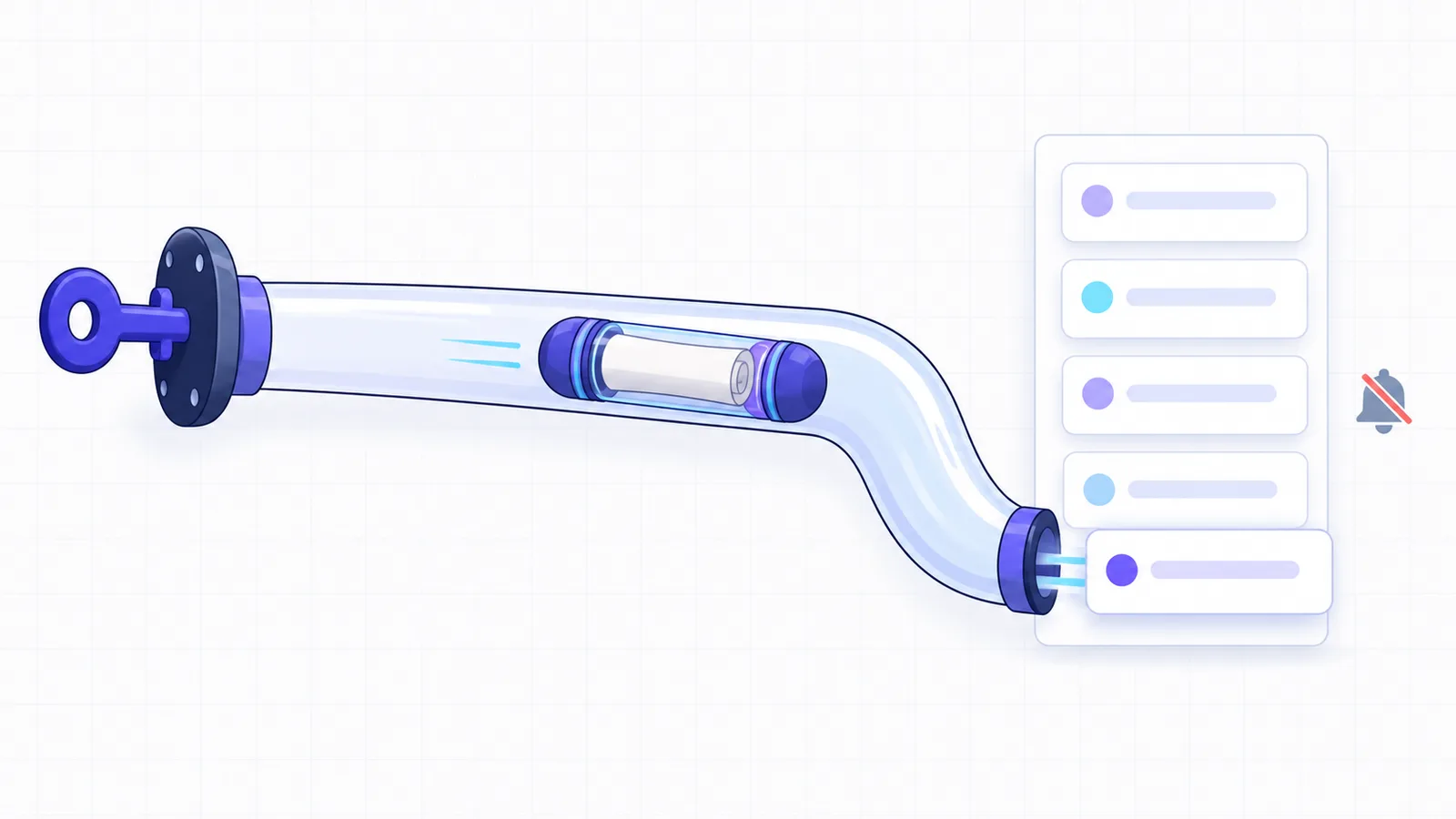
A Discord webhook is a URL that posts messages into one channel. You create it in the channel’s settings under Integrations, copy the URL, and send it a JSON POST with a content field. The message appears in the channel, with no bot to write or host. A message can hold 2,000 characters of text, up to 10 embeds and up to 10 files.
Every limit below comes from Discord’s developer docs, checked on October 17, 2026. The worked example is the code SocialHelper uses to post to Discord channels, including how it avoids pinging everyone and posting twice.
What a Discord webhook is
An incoming webhook is a channel address that accepts messages from other apps. Discord’s docs describe webhooks as “a low-effort way to post messages to channels in Discord. They do not require a bot user or authentication to use” (Discord: Webhook resource). The URL starts with https://discord.com/api/webhooks/ and ends with {id}/{token}. The number is the webhook’s ID, and the long string after it is its token.
Discord also has webhook events, which work the other way round: Discord calls your app when something happens. This guide is about incoming webhooks, the kind that post messages.
Because there’s no login, the token in the URL is the only thing protecting the channel. Discord’s reference shows that sending, reading and deleting a webhook with its token all work without authentication. Keep the URL out of public code and front-end apps. If it leaks, delete the webhook and create a new one.
How to create a Discord webhook URL
- Open the settings. In Discord, open Server Settings, or the settings of one channel, and go to Integrations. You need the Manage Webhooks permission.
- Create the webhook. Click Create Webhook or New Webhook.
- Set it up. Give it a name, pick the channel it posts to, and change the avatar if you like.
- Copy the URL. Click Copy Webhook URL and paste it into the app that will send messages.
Discord’s help article shows the same steps, from the Integrations tab to the “Copy Webhook URL button” (Discord Support: Intro to Webhooks). The name and avatar are only defaults. Each message can set its own username and avatar_url.
Send your first message
Send the URL a JSON body with content. Add ?wait=true so Discord returns the message it created.
curl -X POST "$DISCORD_WEBHOOK_URL?wait=true" \
  -H "Content-Type: application/json" \
  -d '{"content": "Version 2.4 is out. Faster sync and a new export menu."}'
It answers with the message. Its id lets you edit the message later with PATCH on /messages/{id}. A body needs at least one of content, embeds, components, a file or a poll.
Discord’s reference says wait “waits for server confirmation of message send before response”, and that without it, “a message that is not saved does not return an error”. So a plain call can get 204 No Content back for a message that never arrived.
A webhook in a forum or media channel needs thread_id to post in a thread, or thread_name to start one. Discord also asks every client for a User-Agent of the form DiscordBot ($url, $versionNumber). Without one, requests “may be blocked” with error 40333 (Discord: API reference).
Embeds: cards with a title, fields and colour
An embed is a card attached to a message, with a title, a description, a colour strip, fields, an image and a footer. A webhook message can carry up to 10 of them. Send an embeds array instead of, or as well as, content.
curl -X POST "$DISCORD_WEBHOOK_URL?wait=true" \
  -H "Content-Type: application/json" \
  -d '{"embeds": [{"title": "Version 2.4",
                   "description": "Faster sync and a new export menu.",
                   "url": "https://example.com/changelog",
                   "color": 5985767,
                   "fields": [{"name": "Download", "value": "In the app"}]}]}'
It posts one card. The color is a whole number, here the hex colour #5B55E7. Embed text has its own limits, separate from the 2,000 characters of content (Discord: Message resource).
| Embed part | Limit |
|---|---|
| Title | 256 characters |
| Description | 4,096 characters |
| Fields | Up to 25, each with a 256-character name and a 1,024-character value |
| Footer text | 2,048 characters |
| Author name | 256 characters |
| All embeds in a message together | 6,000 characters |
Going over any of these returns 400 Bad Request. A webhook can’t set an embed’s type, provider or video, and Discord shows only the first of several embeds with the same URL.
Discord webhook limits at a glance
| What | Limit |
|---|---|
Message text (content) | 2,000 characters |
| Embeds per message | 10 |
| Files per message | 10 |
| File size | 20 MiB per file, more on boosted servers |
| Image alt text | 1,024 characters |
| Global requests without a token | 50 a second, per IP address |
| Failed requests (401, 403, 429) | 10,000 per 10 minutes, per IP address |
Files go in a multipart/form-data request as files[0], files[1] and so on, with the JSON in a payload_json field. “The default limit is 20 MiB for all users,” the reference says, and a server’s Boost tier can raise it. Each file can have a description, which is its alt text.
Stop a webhook from pinging everyone
The allowed_mentions field is the setting that decides which mentions in a message notify people. For webhooks, Discord’s default is that “only user mentions are parsed”. An @everyone in the text doesn’t notify the server unless you allow it. But a <@user-id> mention still notifies that user.
When a message’s text comes from somewhere else, such as a form, a feed or an AI writer, turn mentions off completely.
{"content": "...", "allowed_mentions": {"parse": []}}Discord’s reference also warns that it “may strip certain characters from message content”, and suggests sanitizing user text and using allowed_mentions. SocialHelper sends "parse": [] with every Discord post, so a post can never ping @everyone, a role or a user.
Discord webhook rate limits
Discord doesn’t publish a fixed number for webhooks. Its docs say rate limits “should not be hard coded into your app” and tell you to read the response headers instead (Discord: Rate limits). Some guides quote about 30 messages a minute per webhook, but that figure isn’t in Discord’s documentation. Treat any number like it as a guess.
- Headers: each response carries
X-RateLimit-Limit,X-RateLimit-RemainingandX-RateLimit-Reset-After, counted per webhook. - Over the limit: you get HTTP 429 with a
retry_afterin seconds. Wait that long, then send again. - Global limit: 50 requests a second. A request with no token, like a webhook call, counts against your IP address.
- Bad requests: 10,000 failed requests in 10 minutes from one IP address gets it blocked for a while.
- Dead webhooks: “If a webhook returns a 404 status you should not attempt to use it again”.
Errors and duplicate messages
A failed call returns JSON with a numeric code and a message. These are the ones a webhook sender meets most.
| Code | Meaning | What to do |
|---|---|---|
10015 | Unknown webhook | The webhook was deleted. Create a new one |
50035 | Invalid form body | Read the field error, such as text over 2,000 characters |
50006 | Cannot send an empty message | Add content, an embed or a file |
30015 | More than 10 attachments | Split the files over two messages |
40333 | Blocked by Cloudflare | Set a proper User-Agent and try again later |
If the request times out or Discord returns a server error, the message may already be in the channel. A webhook can only fetch a message by its ID, and it can’t list the channel, so there’s no way to check. Sending again risks posting the same message twice.
When a Discord send ends without a clear answer, SocialHelper doesn’t retry. It marks the post failed, with a note that “the post may have been published, so it was not retried to avoid a duplicate”. The guide to never posting twice explains why some platforms can be checked and Discord can’t.
The shortcut: post to Discord through SocialHelper
SocialHelper connects a Discord channel with its webhook URL. Paste it in, following the steps for connecting an account, and SocialHelper checks with Discord that the webhook exists before saving it. Then one request posts to the channel.
curl https://socialhelper.app/api/v1/posts \
  -H "Authorization: Bearer $SOCIALHELPER_API_KEY" \
  -H "Content-Type: application/json" \
  -H "Idempotency-Key: $(uuidgen)" \
  -d '{
      "text": "Version 2.4 is out. Faster sync, a new export menu and dark mode for the editor: https://example.com/changelog",
      "accounts": [
          "DISCORD_ACCOUNT_ID"
      ]
  }'
SocialHelper does the rest. It checks the text against the 2,000-character limit and any images against Discord’s types and sizes, sends ?wait=true with mentions turned off, and returns a link to the message. The same request can post to other networks at once or set a time with scheduled_at. The Discord integration page lists what it supports, and the social media APIs guide compares Discord with the other platforms. AI assistants can post the same way through MCP, as the MCP vs API guide shows.
Frequently asked questions
How do I create a Discord webhook URL?
Open Server Settings, or a channel’s settings, and go to Integrations. Click Create Webhook, pick the channel, and click Copy Webhook URL. You need the Manage Webhooks permission on the server.
What is a webhook vs an API?
A webhook is a single URL that does one job, here posting to one channel, with the secret built into the URL. Discord’s full API needs a bot or OAuth token and can read channels, manage servers and much more.
Are Discord webhooks free?
Yes. Any server member with the Manage Webhooks permission can create them at no cost. Higher file size limits come with server boosts.
What is the Discord webhook character limit?
A webhook message can have 2,000 characters of text. Embeds add up to 6,000 more characters across all embeds, with 4,096 in each embed’s description.
Can a Discord webhook send images?
Yes. Attach up to 10 files with a multipart/form-data request, each up to 20 MiB by default, or put an image URL in an embed.
Can a webhook read messages in the channel?
No. A webhook can fetch, edit or delete only the messages it sent, and only by their ID. Reading a channel needs a bot.
How we checked this
We read Discord’s developer docs and its help article on October 17, 2026, and ran a fact check of every limit and quote against them. We tested the example request with SocialHelper’s own checks on October 17, 2026, and we analyzed SocialHelper’s Discord integration the same day for the behaviour described here.
If you spot something that has changed, contact us and we’ll correct it.


