

TikTok API: how to post videos with the Content Posting API
How TikTok’s Content Posting API posts videos and photos: scopes, the audit and private-only rule, direct post vs inbox, chunked uploads and limits.
9 minute read By SocialHelper team
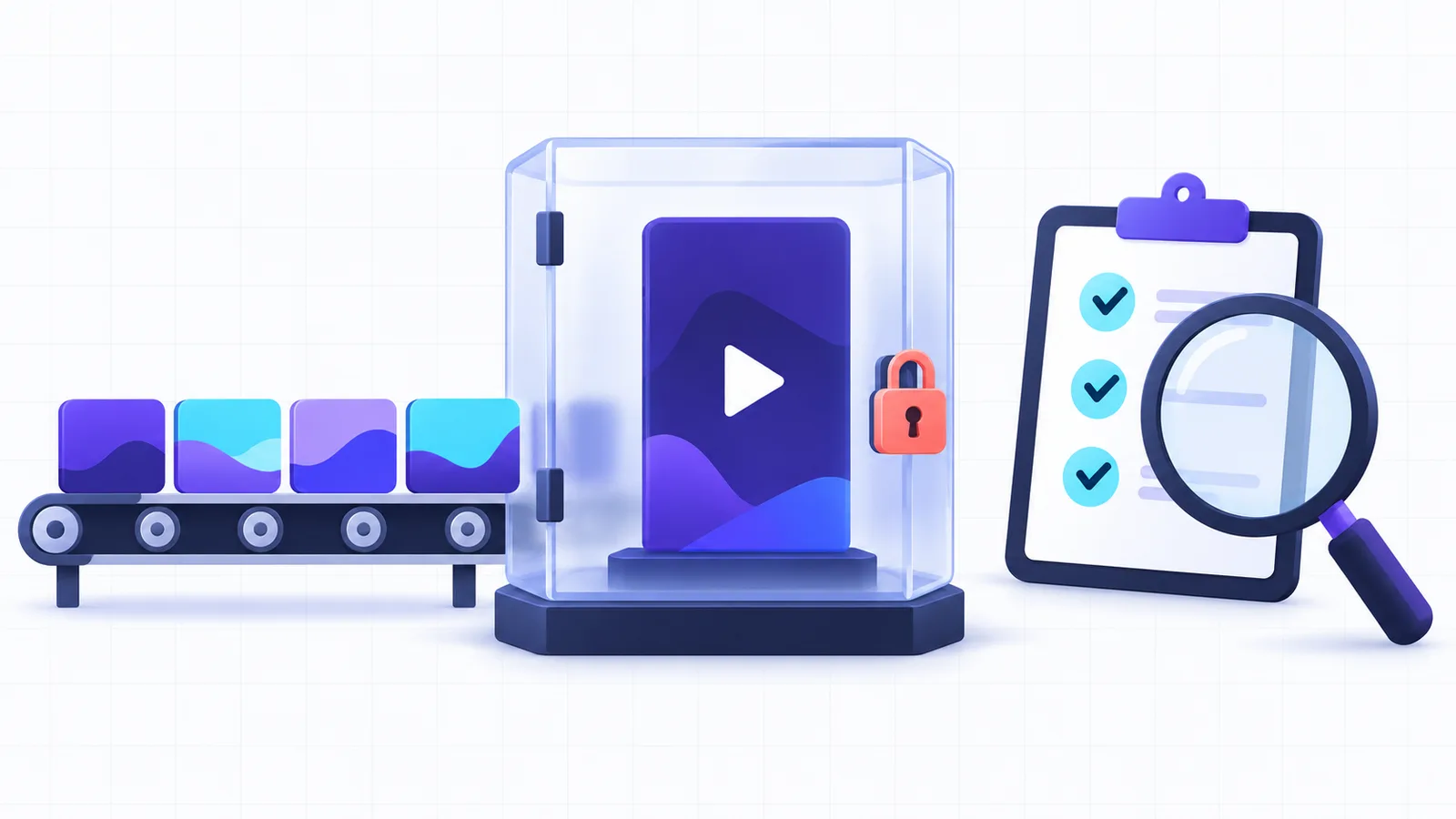
Yes, TikTok has an API for posting. The Content Posting API sends a video or a photo post to a creator’s account, either straight to their profile or to their TikTok inbox to finish in the app. You need a registered app with the posting scope approved, and a token from each creator. Until TikTok audits your app, everything it posts is private, and only 5 people a day can post through it.
The examples come from the checks SocialHelper’s TikTok integration runs before every post, from the privacy level to the chunk plan.
What the TikTok API is
“TikTok API” can mean several products. TikTok for Developers offers Login Kit, Share Kit, the Content Posting API, the Display API and the Research API, and ads run through the separate TikTok Business API. For posting, you need two.
- Login Kit is TikTok’s OAuth sign-in. A creator approves your app and you get an access token for their account.
- The Content Posting API is the set of endpoints that sends videos and photos to that account.
- Direct Post is the mode that publishes to the profile, and needs the
video.publishscope. - Upload is the mode that sends the media to the creator’s inbox to edit and post in TikTok, and needs
video.upload.
What you need before the first post
- Register an app on TikTok for Developers and add Login Kit and the Content Posting API. For Direct Post, turn on its configuration (TikTok: Get started with Direct Post).
- Pass app review for your scopes. The app needs a custom name and a real website with its privacy policy and terms visible. It also needs a description of what it does, such as TikTok’s example “Manage all your social media content in one place”. TikTok also says “Apps must not be for private or personal use” (TikTok: App review guidelines).
- Verify your media domain if TikTok should fetch files from a URL. Photo posts always work this way.
- Get each creator’s token through Login Kit, with the scopes they agree to.
- Apply for the audit once your integration works, so posts can be public.
There’s no single TikTok API key. The app has a client key and a client secret, and each creator’s access token is “valid for 24 hours”. Its refresh token is valid for 365 days, and you can renew access “without user consent” (TikTok: Manage user access tokens). SocialHelper refreshes in the background and keeps the newest refresh token each time.
The audit: why API posts are private
Until TikTok audits your app, “all content uploaded via this endpoint will be restricted to private viewing mode”. Three rules apply to an unaudited app, according to TikTok’s guidelines (TikTok: Content sharing guidelines).
- Private posts only. Every post uses the
SELF_ONLYprivacy level, visible to the creator alone. - Private accounts only. Each creator’s account must be private when the post is made.
- 5 users a day. At most 5 creators can post through the app in 24 hours.
A direct post to a public account from an unaudited app is blocked with this error.
unaudited_client_can_only_post_to_private_accountsThe audit checks your app against TikTok’s terms and its sharing guidelines. An app built only for internal or private use won’t qualify. Audited or not, every app has a daily cap on active creators, and each creator can make about 15 posts a day through the API, shared across every app they use.
Here’s where SocialHelper’s own TikTok integration stands. Live now: TikTok.
Post a video with Direct Post
A publish ID is the handle TikTok returns when you start a post, and you use it to follow the post until it’s live. A direct post takes three or four calls. First, ask for the creator’s current settings.
curl -X POST "https://open.tiktokapis.com/v2/post/publish/creator_info/query/" \
  -H "Authorization: Bearer $TT_TOKEN" \
  -H "Content-Type: application/json; charset=UTF-8"
The reply lists the privacy levels this account allows, whether comments, duets and stitches are off, and max_video_post_duration_sec. Show those choices to the creator. Then start the post with their choice.
curl -X POST "https://open.tiktokapis.com/v2/post/publish/video/init/" \
  -H "Authorization: Bearer $TT_TOKEN" \
  -H "Content-Type: application/json; charset=UTF-8" \
  -d '{"post_info": {"title": "Croissants 🥐", "privacy_level": "SELF_ONLY"},
       "source_info": {"source": "FILE_UPLOAD", "video_size": 4194304,
       "chunk_size": 4194304, "total_chunk_count": 1}}'
You get back a publish_id and an upload_url. Send the file to that URL with PUT and a Content-Range header, then follow the post.
curl -X POST "https://open.tiktokapis.com/v2/post/publish/status/fetch/" \
  -H "Authorization: Bearer $TT_TOKEN" \
  -H "Content-Type: application/json; charset=UTF-8" \
  -d '{"publish_id": "v_pub_file~v2-1.123456789"}'
Each token can make 6 posting requests a minute (TikTok: Direct Post reference), and 30 status checks a minute. SocialHelper checks the status every 20 seconds.
| Status | Means |
|---|---|
PROCESSING_UPLOAD | TikTok is receiving your file |
PROCESSING_DOWNLOAD | TikTok is fetching the file from your URL |
SEND_TO_USER_INBOX | Upload mode: the creator has a notification to finish the post |
PUBLISH_COMPLETE | The post is up, or the creator posted it from the inbox |
FAILED | Something failed; fail_reason says what |
The statuses come from TikTok’s status reference (TikTok: Get post status).
Upload in chunks, or let TikTok fetch the file
There are two ways to get the video to TikTok. With FILE_UPLOAD you send the bytes yourself. With PULL_FROM_URL, TikTok downloads the file, but only from a domain or URL prefix you’ve verified, and it doesn’t follow redirects. Uploads follow strict chunk rules (TikTok: Media transfer guide).
- Size. Each chunk is 5 MB to 64 MB, and the last one can be up to 128 MB to take the remainder.
- Small and large files. A file under 5 MB goes in one piece. A file over 64 MB must be split.
- Count and order. Send 1 to 1,000 chunks, in order. Each gets a
206, and the last one gets201.
SocialHelper sends files up to 64 MB in one piece and larger ones in 32 MB chunks. For example, a 200 MB video goes up as 6 chunks: five of 32 MB and a final one of 40 MB. That choice also protects against duplicates. TikTok starts the post only when the last chunk arrives, and the publish ID is already known by then. So if the final request times out, the status call still says whether the post went through.
Video and photo limits
These limits come from TikTok’s media transfer guide and photo post reference.
| What | Limit |
|---|---|
| Video formats | MP4 (recommended), WebM, MOV |
| Video codecs | H.264 (recommended), H.265, VP8, VP9 |
| Frame rate | 23 to 60 fps |
| Video size | 360 to 4,096 pixels a side, up to 4 GB |
| Video length | Up to 10 minutes through the API; the creator’s own limit may be lower |
| Caption | 2,200 characters, counted in UTF-16 |
| Photos | JPEG or WebP, up to 1080p and 20 MB each, up to 35 a post |
| Photo title | 90 characters |
Every creator can post 3-minute videos, and some can post 5 or 10 minutes. Check max_video_post_duration_sec before you send a long one. Photo posts go to /v2/post/publish/content/init/ and are always fetched from a verified URL (TikTok: Photo post reference). For length limits on every platform, see how long a video can be on each network.
Inbox uploads and the creator’s choices
Upload mode skips the privacy fields. You call /v2/post/publish/inbox/video/init/ with the video.upload scope, and the creator gets a notification to edit and post in TikTok. A creator can have at most 5 pending inbox uploads in any 24 hours (TikTok: Upload reference).
For Direct Post, TikTok’s guidelines set the interface rules. The creator picks the privacy level from the options creator_info returns, and “there should be no default value”. Comments, duets and stitches start unticked. Branded content can’t be private. SocialHelper follows the same rules. A direct post without privacy_level is refused before anything is sent, and interactions stay off unless you allow them.
Errors you’ll meet
These codes come from the Direct Post and Upload references, each with what SocialHelper does about it.
privacy_level_option_mismatchmeans the account doesn’t offer that privacy level. SocialHelper names the levels it does allow.spam_risk_too_many_postsmeans the creator reached their daily API cap. SocialHelper tries again an hour later.reached_active_user_capmeans the app hit its daily cap of creators. The post fails until the next day.spam_risk_too_many_pending_sharemeans 5 uploads are already waiting in the inbox. The creator has to finish or delete them first.url_ownership_unverifiedmeans TikTok was asked to fetch from a URL you haven’t verified.rate_limit_exceededmeans more than 6 requests a minute. SocialHelper waits a minute and tries again.
Why TikTok posts can’t be double-checked
Most platforms let you look for a post after an unclear failure. TikTok’s video list returns only a creator’s “public TikTok video posts” (TikTok: List videos). A private post, which is every post before the audit, never shows up there. So when a create call fails in a way that leaves the result unknown, SocialHelper marks it failed instead of sending the video again. Chunked uploads avoid most of these cases, as above. The guide to idempotent posting explains the general pattern.
The shortcut: one request
SocialHelper handles the creator info, chunking, status checks and token refresh. Connect the TikTok account once, upload the video to /api/v1/media, then send one request with the privacy level.
curl https://socialhelper.app/api/v1/posts \
  -H "Authorization: Bearer $SOCIALHELPER_API_KEY" \
  -H "Content-Type: application/json" \
  -H "Idempotency-Key: $(uuidgen)" \
  -d '{
      "text": "Croissants 🥐",
      "accounts": [
          "TIKTOK_ACCOUNT_ID"
      ],
      "media": [
          "VIDEO_ID"
      ],
      "overrides": {
          "tiktok": {
              "privacy_level": "SELF_ONLY"
          }
      }
  }'
That’s all. Set post_mode to inbox to send it to the creator’s inbox instead. The TikTok integration page lists every option, and the comparison of social media APIs puts TikTok’s rules next to the other platforms. To pick a slot, see the best time to post on TikTok.
Frequently asked questions
Does TikTok have an API to upload videos?
Yes. The Content Posting API uploads videos and photo posts, either straight to the profile with Direct Post or to the creator’s inbox to finish in the app.
Is the TikTok API free?
TikTok lists no price for the Content Posting API. You spend time instead, on app review and the audit before posts can be public, and you work within a cap of about 15 posts a day per creator.
How do I get a TikTok API key?
Register an app on TikTok for Developers. It gets a client key and a client secret, and each creator signs in through Login Kit to give you an access token.
Why are my TikTok API posts private?
Your app hasn’t passed TikTok’s audit. Until then, every post is limited to SELF_ONLY on a private account. After the audit, creators can choose any privacy level their account allows.
Can I automate TikTok posting for my own account?
Only in a limited way. TikTok’s guidelines say apps must not be for private or personal use, so a personal script is unlikely to pass review or the audit, and its posts stay private. A posting tool that has passed the audit is the practical route.
How we checked
We read TikTok’s developer docs on October 17, 2026. That covered the Direct Post and Upload guides and references, the media transfer guide, the photo post and status references, the content sharing and app review guidelines, and the token management page. Then we ran a fact check of every limit and quote against them.
We tested the example request against SocialHelper’s TikTok rules in our test suite on October 17, 2026, and analyzed the integration’s code for the behaviour described. If you spot something that has changed, contact us and we’ll correct it.


