

Get started
Plans and billing
What your plan includes, what counts against it, and how to change it.
The Billing page shows your team’s plan, how much of it you’ve used this month, and how to change it. Billing is per team, not per person.
Free during early access
Every team is on the Early access plan. It’s free and has every feature, with no limit on connected accounts, posts or members. You get notice before you’re ever charged, and a free plan stays.
A few things still have a monthly allowance:
- AI writes: 100 a month for the team. See AI writer, drafts and snippets.
- Media storage: 10 GB of photos and videos for the team.
- Posting to X comes with paid plans, because X charges for every post.
Check your usage
Open Billing in the sidebar. Under Current plan you see connected accounts, posts this month, members, AI writes this month and media storage, each against your plan’s limit.
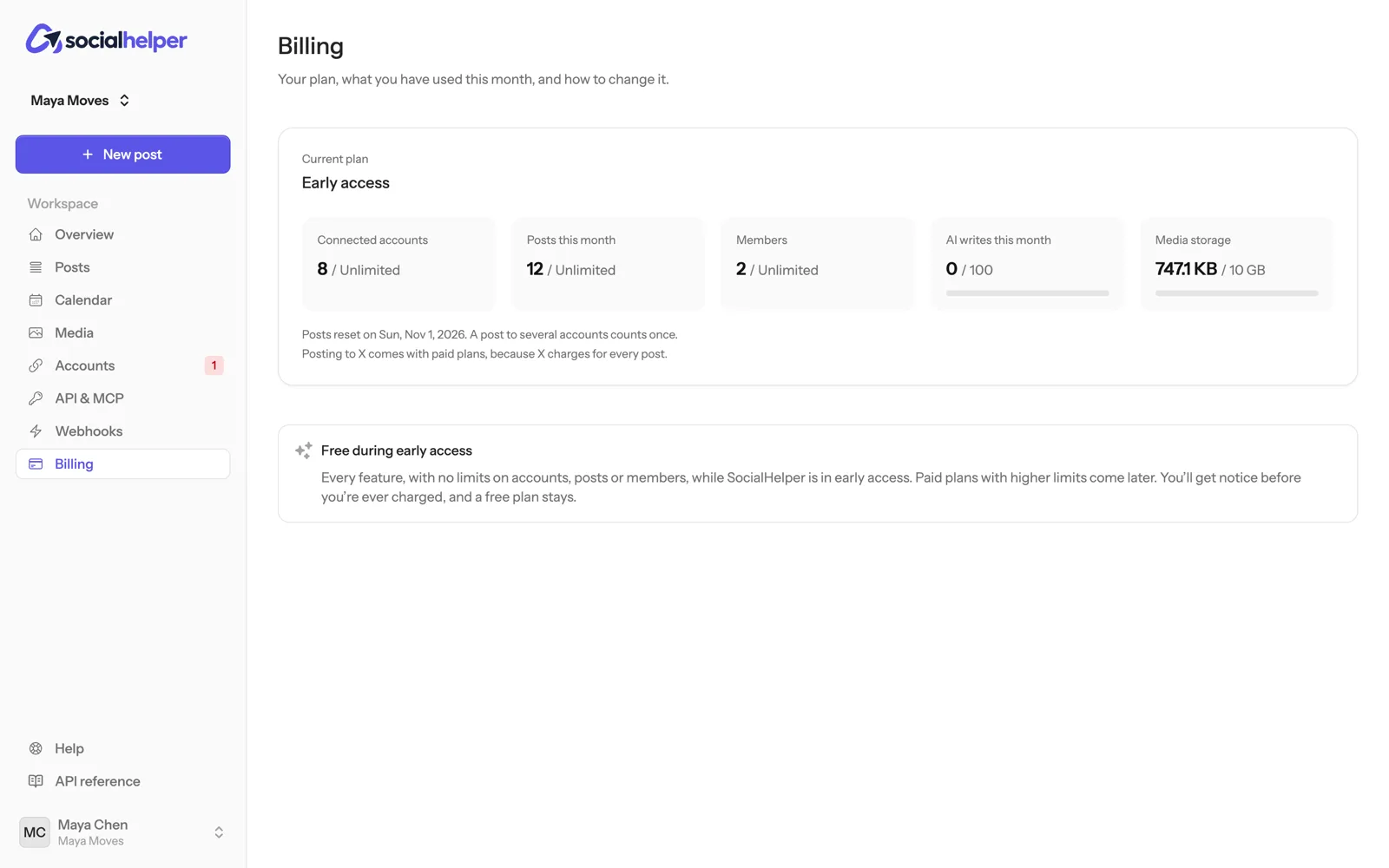
- The post count resets each month on the date shown under the numbers.
- A post to several accounts counts once.
- Storage counts every file in your team’s Media library. Remove files you no longer need to free space.
Who can change the plan
Only the team’s owner can change the plan or payment details. Admins and members see the plan and usage, with a note to ask the owner.
If something goes wrong
- “The last payment failed”: click Manage billing and update the payment method to keep the plan.
- A limit is reached: new posts, connections or uploads that would go over it are refused with a message saying which limit. Wait for the monthly reset, remove what you don’t need, or move to a larger plan.