

Create posts
Platform options
The extra settings TikTok, YouTube, Instagram and other platforms take.
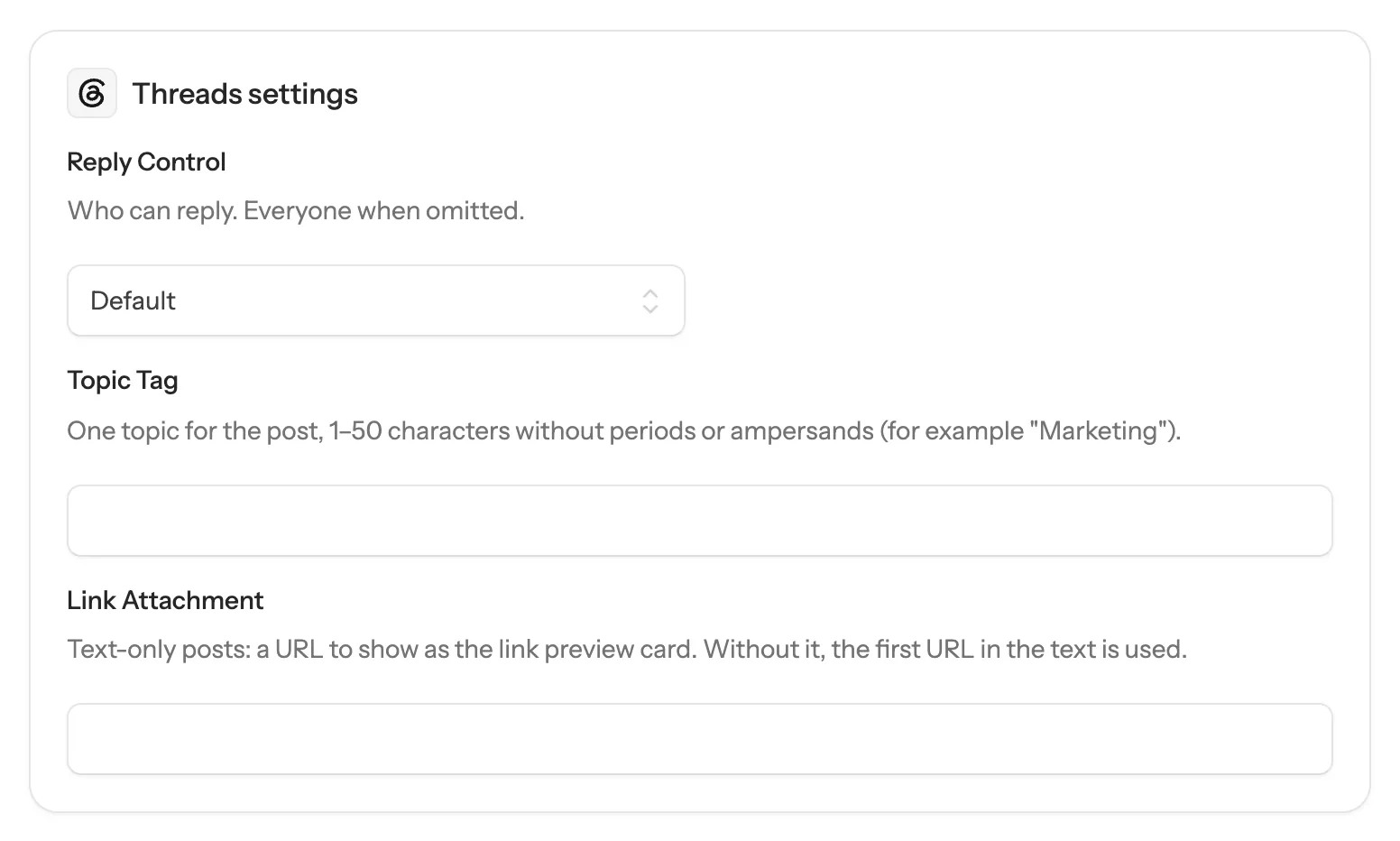
Some platforms take settings that others don’t, like a YouTube title or who can reply on Threads. When you pick an account on one of them, the composer shows a settings card for that platform under the text. Each setting applies to that platform only.
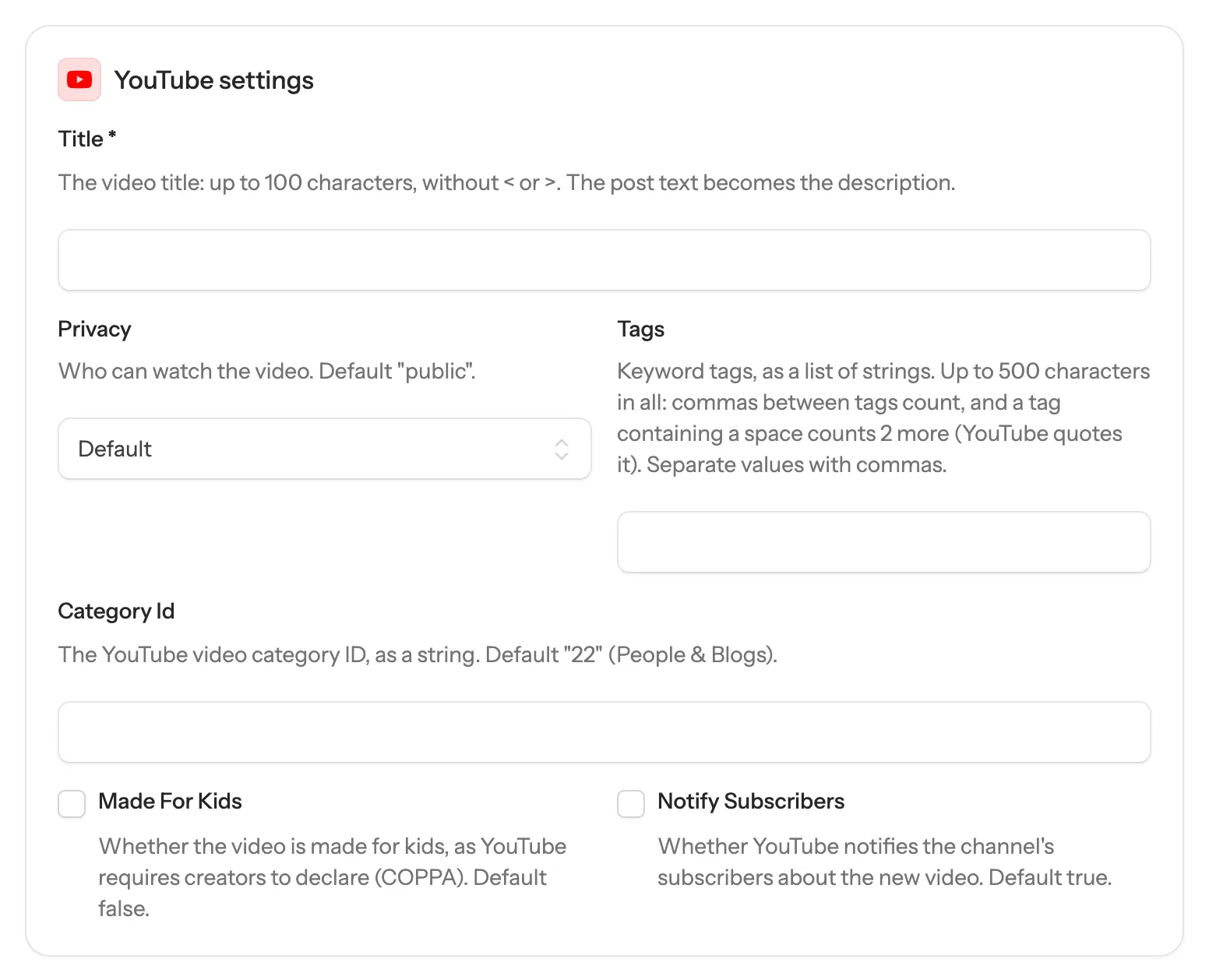
Settings marked with * are required. Leave the rest alone to use the platform’s default.
TikTok
TikTok has its own posting screen in the composer. SocialHelper checks the account with TikTok first and shows what it allows.
- How to post: Post to the profile publishes once TikTok has processed it. Send to my TikTok inbox lets you finish it in the TikTok app with sounds and effects.
- Who can see this post: required. TikTok has no default, so you choose each time.
- Allow people to: comment, duet and stitch are off unless you tick them.
- Disclose commercial content: turn on if the post promotes something. Your brand adds “Promotional content”; Branded content adds “Paid partnership” and can’t be private.
- AI-generated content: adds TikTok’s AI-generated label.
- Photo title: for photo posts, up to 90 characters. The post text becomes the description.
TikTok takes a few minutes to process a post before it appears.
- Link: A URL to attach to a text post as a link preview. Not allowed with images or video.
- Share To Feed: Reels only (a post with one video): whether the reel can also appear in the main feed, not just the Reels tab. Instagram decides when omitted.
YouTube
- Title *: The video title: up to 100 characters, without < or >. The post text becomes the description.
- Privacy: Who can watch the video. Default "public".
- Tags: Keyword tags, as a list of strings. Up to 500 characters in all: commas between tags count, and a tag containing a space counts 2 more (YouTube quotes it).
- Category Id: The YouTube video category ID, as a string. Default "22" (People & Blogs).
- Made For Kids: Whether the video is made for kids, as YouTube requires creators to declare (COPPA). Default false.
- Notify Subscribers: Whether YouTube notifies the channel's subscribers about the new video. Default true.
Threads
- Reply Control: Who can reply. Everyone when omitted.
- Topic Tag: One topic for the post, 1–50 characters without periods or ampersands (for example "Marketing").
- Link Attachment: Text-only posts: a URL to show as the link preview card. Without it, the first URL in the text is used.
Tumblr
- Blog: The blog to post to: its name (e.g. "myblog") or UUID, from the list_blogs tool. Leave it out to post to the primary blog.
- Title: A heading shown above the post, up to 4,096 characters.
- Tags: Tags for the post, without the #.
- Link: An http(s) URL shown as a link preview card under the text.
If something goes wrong
- The post can’t be sent and a setting is highlighted: it’s required or the value isn’t allowed. The message under it says what’s expected.
- TikTok says posts must be private: until TikTok approves SocialHelper’s app for public posting, use Send to my TikTok inbox and publish from the TikTok app, or set Who can see this post to Only me on a private account.
Each platform’s page under Platforms lists its text and media limits.